
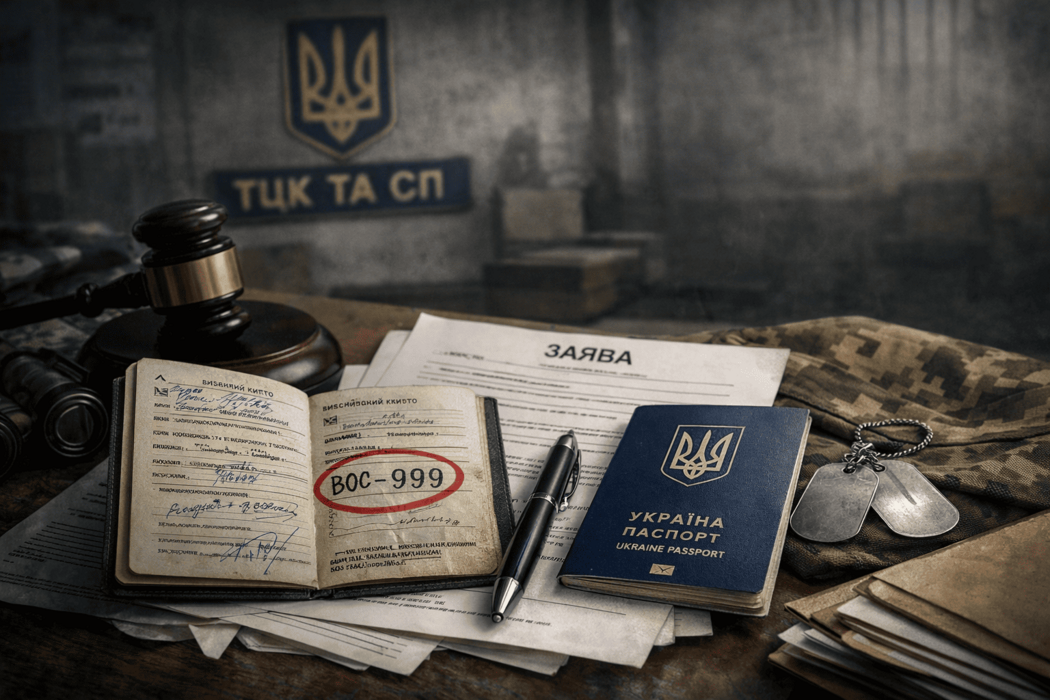
How to correct the VOS in Reserve+: what to do if the data is incorrect or if you receive a VOS-999
If Reserve+ displays an incorrect MOS (military occupational specialty), first determine whether it is actually an error. Not every entry needs to be corrected: in particular, MOS-999 does not always mean a glitch or incorrect data. Since Reserve+ displays information from the Oberih register, the next steps depend on what exactly is recorded in your accounting details.
Can you correct the MOS in Reserve+?
Yes, but the correction method depends on the nature of the issue. If it is a technical inaccuracy or incomplete data in the register, in some cases it is enough to submit a request through Reserve+. But if the MOS in the app does not match your military registration document, actual service, or confirmed training, you usually need to contact the TCC and SP (Territorial Center for Recruitment and Social Support) with documents.
At the same time, not every entry in the MOS field is a mistake, just as not every status in the app indicates a problem—especially if you see the “not liable for military service” mark in Reserve+. Before contacting anyone, it is worth checking what is stated in your military registration document and whether the data in Reserve+ truly contradicts the official records. This is particularly important in the case of MOS-999, because such an entry does not always mean incorrect data.
What is an MOS in Reserve+, and why can the data be wrong?
An MOS is a military occupational specialty—an accounting category that reflects a person’s military specialty and their affiliation with a certain branch or type of service. The Ministry of Defense explains that the MOS entry is contained in the military registration document, the military ID, and the personal file. In other words, it is not a random field in the app, but part of official military registration.
Inaccuracies in Reserve+ occur because the app displays data from the Unified State Register of Conscripts, Persons Liable for Military Service, and Reservists. The register was created to maintain military records, and data enters it both from the person and via electronic information exchange with other state systems. So an error can appear at different stages: during the initial entry of data, when transferring old paper records, due to incomplete information about service, due to unreflected training, or because the register was not updated in time.
Reserve+ only displays the information from the Oberih register, where this data is stored and processed. If the entry in the register is wrong, the app will also show wrong data. If the information in the register is corrected, it should also be reflected in Reserve+.
When the MOS in Reserve+ really needs to be corrected
Correction is needed primarily when the MOS in the app does not match your military registration document. If your paper military ID or another valid military registration document lists one specialty, but Reserve+ displays another, this is not just a “weird entry”—it is an objective discrepancy that should be fixed. In this situation, the document and supporting materials become the basis for your request.
The second case is when the MOS does not correspond to actual service or training. For example, a person completed service, assemblies, or professional training, but this is not reflected in the app or is reflected incorrectly. Here, assumptions are not enough—documents are required: extracts from orders, certificates, entries in the military ID, training certificates, and other materials that directly confirm a different accounting status.
The third case is when the necessary data is missing entirely, or the entry is so formal that it does not reflect reality. This is especially relevant when a person served but the system “does not see” it, or when the register contains incomplete information. For some of these situations, Reserve+ has a “Correct data online” section, but it does not replace the full procedure of updating accounting records through the authority that maintains them.
What does MOS-999 mean in Reserve+, and do you need to correct it?
MOS-999 is not a conditional “error marker,” but a military occupational specialty assigned to persons liable for military service who did not undergo military service or training assemblies. The Ministry of Defense explicitly explained that this rule is defined by MoD Order No. 317 based on Article 39 of the Law of Ukraine “On Military Duty and Military Service.” This designation is used to account for persons who, if called up, may need to complete basic general military training. Therefore, MOS-999 is not always a mistake; in many cases it is a normal accounting entry.
It is worth verifying whether this status is correct when it clearly does not match your documents and service history. If you completed military service or assemblies, or have another confirmed MOS, but the system still shows 999, then there are grounds to raise the issue of incorrect records in the register. In other words, the key is not the 999 code itself, but whether it was applied to you lawfully.
Can you correct the MOS online in Reserve+?
In Reserve+, you can correct only certain categories of data online. If the problem is technical or concerns missing information in the system, you can use the app to submit a correction request. But if you need to change the MOS entry itself based on military registration documents, service certificates, training, or qualification records, in most cases you cannot do without contacting the TCC and SP.
It makes sense to contact Reserve+ support when the app does not pull data, does not update information after changes are made, or has technical failures. If the issue concerns the substance of the accounting records, the decisive factor is documents and entering correct data into the register—not just the functioning of the app.
Where to apply if the MOS in Reserve+ is incorrect
Option one is to contact the TCC and SP where you are registered for military records. This is where accounting entries, documents, and grounds for changes are checked. If you have a paper military document, service certificates, or other official confirmations, it is advisable to submit them there together with a written application.
Option two is to apply through a CNAP (Administrative Service Center) if such a service is available in your community. But in complex cases involving MOS discrepancies, verification through the TCC may still be required.
Option three is Reserve+ support, if the issue is technical or you want to record that the app is not updating data after changes were made. This does not replace correcting the register itself, but helps you not lose time if the failures are related to the service.
What documents to prepare to correct the MOS
Military registration documents
First of all, prepare your military ID, a temporary certificate of a person liable for military service, or another valid military registration document that contains your data. If the discrepancy is between your paper document and Reserve+, this set of documents will be the key evidence. Also have your passport and taxpayer identification number so identification does not delay review.
Documents about service, training, or qualification
If you dispute MOS-999 or another code because you actually served or trained, prepare everything that confirms it: extracts from orders, certificates from a military unit, documents proving assemblies, certificates, materials confirming assignment of a specialty, entries in the military ID. The logic is simple: to change an entry in the register, documentary proof is needed, not verbal explanations.
Additional supporting materials
It is also useful to prepare screenshots from Reserve+, an extended information PDF from Oberih (if available in your app), and a copy of your written application with a receipt stamp or other proof of submission. This helps you control the process and prove that you addressed the issue in time. The Ministry of Defense has also stated that in Reserve+ you can generate extended information from Oberih and receive notifications about changes to data in the register.
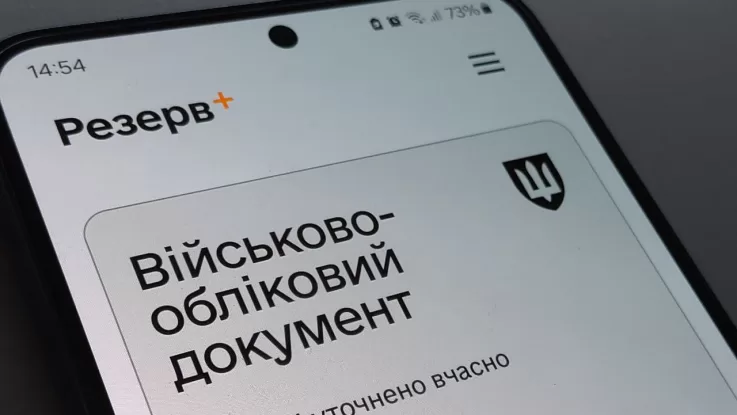
Step-by-step: what to do if the MOS in Reserve+ is incorrect
Step 1 — check whether it is truly an error. Compare the MOS in Reserve+ with your military registration document. If you see MOS-999, verify whether you completed military service or training assemblies.
Step 2 — collect supporting documents. Prepare everything that confirms another MOS or status: military ID, certificates, extracts from orders, training documents, screenshots from Reserve+, and extended Oberih data.
Step 3 — submit an application. If your case falls under the online mechanism, use the “Correct data online” section. If not—contact the TCC and SP, and if your community has the relevant service, also consider applying through a CNAP. If the issue is not the content of the data but the app’s performance, additionally record a request via support.
Step 4 — monitor the update in the register. Check whether the data has updated in Reserve+, use push notifications, and keep proof of submission. If needed, schedule a visit to the TCC via the e-queue in Reserve+.
What to do if the TCC does not correct the MOS or delays review
Most often, the problem arises due to lack of documents, discrepancies between sources, or absence of a written record of the request. That is why in disputed cases it is better to move from verbal explanations to a written application with a list of attached documents. This format disciplines the review and gives you grounds to refer to a specific submission later.
If no response is provided, the issue is not resolved, or the submitted documents are effectively ignored, it is worth submitting another written request, with a copy of the previous one and a recorded submission date. In complex situations where an incorrect MOS affects other accounting actions, procedures, reservation (booking), or assessment of your status, it makes sense to involve a military lawyer. This is especially relevant when the issue is no longer technical but legal: you need not just to “update a field,” but to prove unlawful inaction or an incorrect entry in the register.

Frequently asked questions
Can I change my MOS in Reserve+ on my own?
Not always. Some data can be corrected online, but disputes about the MOS itself often require contacting the TCC with documents.
What should I do if Reserve+ shows an incorrect MOS?
Compare the entry with your military registration document, collect supporting materials, and submit an application—online if your case allows, or offline to the TCC.
What documents are needed to correct the MOS?
Typically, you need military registration documents, a passport, a taxpayer identification number, as well as certificates or extracts confirming service, assemblies, or assignment of another specialty.
How long does it take to correct an incorrect MOS in Reserve+?
There is no single officially set timeframe specifically for MOS corrections in a separate MoD clarification, so the duration depends on the type of request, completeness of documents, and whether verification in the register is required.
What if the TCC does not change incorrect data?
Submit a written application, record its submission, keep copies of documents, and, if needed, involve a lawyer.
Does an incorrect MOS in Reserve+ affect reservation (booking)?
This must be assessed individually. Not every MOS inaccuracy automatically blocks reservation, but discrepancies in accounting data may create problems in related procedures, so it is better to correct them in advance. The MoD handles reservation and deferment mechanisms separately, but they still rely on correct military accounting data.
Can the MOS in Reserve+ differ from the paper military ID?
Yes. In practice, this happens because Reserve+ shows data from Oberih and does not “scan” your paper document. That is why, in case of a discrepancy, you should check what is entered in the register.
When should you contact a lawyer due to errors in Reserve+?
When the error is not corrected after you have already applied, when the TCC delays review, and when the discrepancy already affects your rights or subsequent procedures.
Conclusion
Correcting an MOS in Reserve+ starts with verification: whether it is a real error or a correct status. MOS-999 does not automatically indicate a problem and does not always require changes. But if the entry does not match your military registration document, actual service, or confirmed training, the issue should be raised substantively—through documents, applications, and monitoring of updates in the register. If the problem is not resolved or is delayed, it is advisable to move to written documentation and legal assistance—without unnecessary emotions, but also without delay.

Leave a request for consultation and our specialist will contact you soon!
Leave a request and our specialist will contact you soon!
More useful information




Fill out the form or contact us in any way convenient for you
Choose the nearest office to you and receive consultations in a convenient format for you